Cricket prices on a thin connection
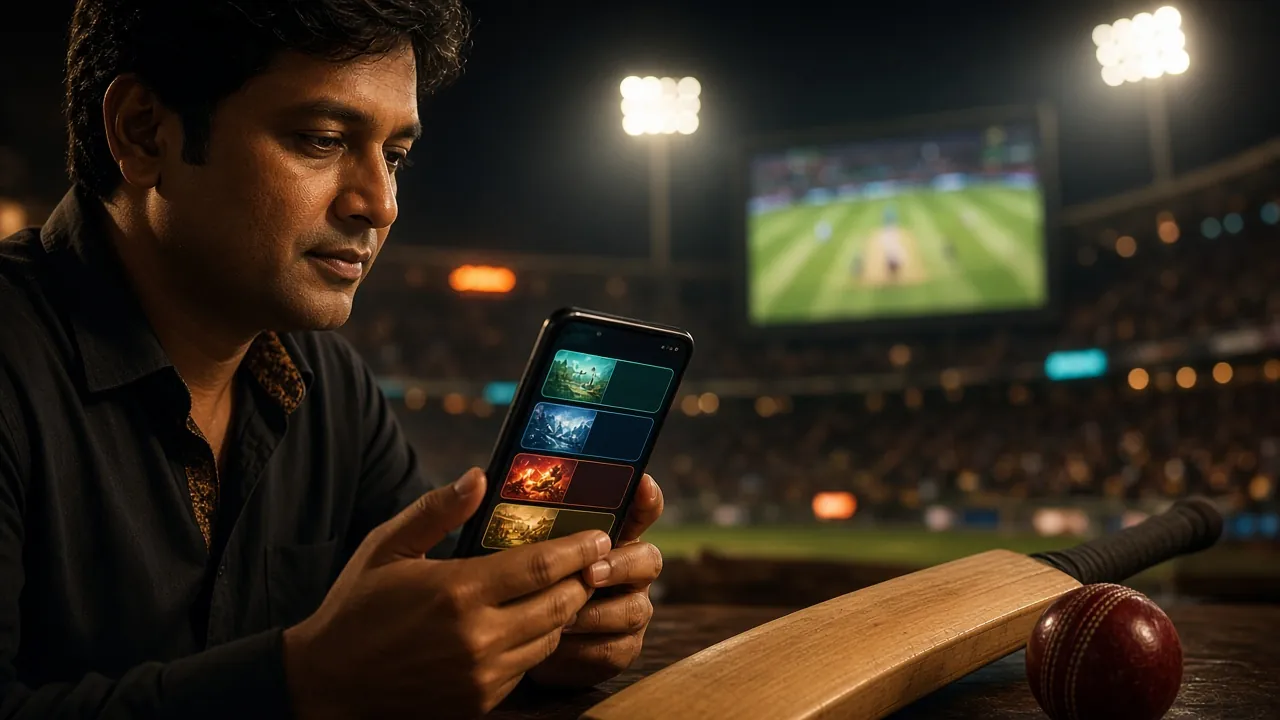
Match markets load through a lighter feed than the desktop site, so a weak 3G signal still refreshes prices for BPL nights and international fixtures without freezing the screen mid-over.
The Android build is a 58 MB file that runs on Android 6.0 and up, costs nothing to download, and opens slots, live tables and cricket prices without a browser tab in the way. Allow installs once, tap the file, and you are in.
Reading this page on a laptop? Scan the code with your phone camera and the same 58 MB file starts downloading there, so you skip typing the address.
18+ · Play Responsibly
Sideloading gets a bad name from copied files passed around in group chats. A signed build taken from this domain is a different thing, and the four points below explain what the installer actually touches.
The button on this page serves payo24.apk directly, not a third party file locker. Every release is signed with the same key, so Android rejects a modified copy before it can install.
Install rights are the only thing you grant during setup. The app asks for storage to cache game art and network access to reach the lobby. It does not read your contacts, messages or call log, and each entry is listed under Settings > Apps > payo24.
No agent from payo24 calls or messages you for a password, a one-time code or a bKash PIN. Support runs through 24/7 live chat inside the app, so anyone pushing the conversation to a personal number is not us.
Login details sit in the app's private storage and clear when you log out. On a shared phone, use the Log Out button instead of closing the app, and switch off message previews so balances do not show on the lock screen.
The whole job takes a few minutes on a normal connection. Read step one before you tap the download button, because Android blocks browser installs by default and that setting is what most people miss.
Open Settings, then Apps, then Special access, then Install unknown apps, and switch on the browser you plan to download with. On Android 6.0 to 7.1 the same switch sits under Settings, Security, and then Unknown sources.
Tap Download APK on this page and let the progress bar finish on Wi-Fi or steady 4G. The file saves to your Downloads folder. Do not tap the button a second time, because two copies in storage is the usual reason an installer fails later.
Find payo24.apk in Downloads and tap it. Play Protect may run a scan first, which you can let finish. When the installer asks for confirmation, glance through the permissions list, then press Install and wait for the finish button.
Launch the app and sign in with the details you already use on the site. New to payo24? Register from the login screen with your mobile number, then confirm the one-time code before your first deposit.
Open the cashier, choose bKash, Nagad, Rocket, Upay or bank transfer, and deposit at least ৳500 to reach the 120% welcome offer. Mobile money normally lands in about 4 minutes, then slots, live tables and the cricket tab are open.
No iOS build is published, so Apple users keep the mobile site one tap away instead of installing a file.
One build covers every supported Android phone. Check the numbers below against your device before you install, especially if the handset has been in use for a few years.
Free, no sign-up needed to fetch the file. The installer asks for an account only when you open the app.
Keep the file until the install finishes. If it fails, delete it before downloading again.
| Version | 2.1.15 |
|---|---|
| File name | payo24.apk |
| File size | 58 MB |
| Minimum Android | 6.0 |
| Last updated | 12 November 2026 |
| Price | Free |
| Languages | English, Bangla |
Six things the installed build does that a saved browser tab does not, written for phones on a data pack rather than a home fibre line.
Match markets load through a lighter feed than the desktop site, so a weak 3G signal still refreshes prices for BPL nights and international fixtures without freezing the screen mid-over.
The deposit panel opens over the game, keeps your last bKash or Nagad number ready, and confirms a top-up in about 4 minutes without pushing you into a separate browser window.
Turn on notifications for the markets and offers you care about and the app pings you when a price moves or a bonus lands. Everything else stays silent, so the phone is quiet by default.
Close the app mid-spin or between overs and the lobby reopens on the same game with a refreshed balance, so you are not scrolling through 6,000 titles to find it again.
The switch sits in the profile tab and changes menus, cashier labels and support chat at the same moment. Bonus terms also display in whichever language you picked, with no reload.
Live chat runs 24/7 inside the app rather than in a new tab, and the thread keeps its history when you leave. Agents handle deposits, withdrawal checks and install errors at any hour.
The app carries the same catalogue as the website, built by JDB, Ezugi, Evolution, FA Chai, CQ9 and Red Tiger. Two games to start with are below, and the rest sit behind the category tabs on the home screen.
Live dealer tables push the most data because of the video, slots are the lightest, and the cricket tab sits between the two. All three share one wallet, so a slot win can fund a bet on the next match without moving money around.
Opening either card sends you to the registration form if you are new. Existing players can sign in on the payo24 login page and go straight to the lobby.
Both routes reach the same account and the same wallet. The difference is how many taps each task takes and how much of your data pack it spends, which matters on a phone you also use for work.
| What you do | payo24 app | Mobile browser |
|---|---|---|
| Open the lobby | One tap on the home screen icon | Type the address or open a saved bookmark |
| Sign in | Details saved until you log out | Password manager or typing it again each session |
| Deposit with bKash | Cashier opens over the game, about 4 minutes | Leaves the tab, then reloads the site |
| Cricket prices on weak data | Lighter feed, keeps refreshing on 3G | Fuller page, slower to redraw on 3G |
| Alerts | Price and bonus pings you switch on | Nothing once the tab is closed |
| Space on the phone | 58 MB for the install | Nothing stored beyond browser cache |
| Updates | Install the new build when it is posted | Always the current version on load |
Keep the browser as a backup. If the phone is handed to someone else, the website needs your password every time, which is a simple extra lock the saved app session does not give you.
Almost every failed install comes down to one of five causes. Find the message your phone shows, then follow the matching fix before trying the file again.
| What you see | Why it happens | What to do |
|---|---|---|
| "App not installed" at the end | A partial download, or an older payo24 build already sitting on the phone. | Delete every payo24.apk from Downloads, uninstall the old app, then fetch one fresh copy on Wi-Fi and install it. |
| "Your phone is not allowed to install unknown apps" | The browser you downloaded with has no install permission. | Settings, Apps, Special access, Install unknown apps, switch on that browser, then open the APK again. |
| Play Protect warning about an unknown developer | The scanner cannot match the file to a Play Store listing. | Tap More details, then Install anyway. The build is signed by payo24 and version 2.1.15 on this page is the current one. |
| App opens but the lobby keeps loading | Weak data, a switched-on VPN, or a stale cache left by the previous build. | Move to Wi-Fi or 4G, turn the VPN off, then clear storage under Settings, Apps, payo24, Storage. |
| Login rejected only inside the app | A password saved from the website no longer matches, or the session expired. | Use Forgot password on the sign-in screen, or confirm the details through the payo24 login page first, then try again. |
Still stuck after the table? Open live chat from the app or the mobile site and send the Android version plus the exact message. That is enough for an agent to tell you whether the file or the phone is the problem.
Short answers to what players ask most about the payo24 app, from the file itself to what happens to an account when the app is removed.